// Case Study
Web Application – portal lab
“Web Application – portal lab” is a web-based platform designed to support the management of laboratory administrative activities in a more efficient and organized manner. The system integrates several essential services, including attendance tracking, laboratory equipment reservations, overtime requests, and meeting room bookings. By providing these services through a centralized web application, Kehadiran.site enables users to manage laboratory-related activities conveniently through internet-connected devices while ensuring that all records are stored and managed systematically.
The main features of Kehadiran.site are described as follows.
1. Digital Attendance Tracking
The digital attendance tracking feature allows users to record their presence through an online system. Users can check in when they arrive and check out when they leave using any device connected to the internet. Each attendance record is automatically stored in the system, allowing administrators to monitor attendance data in real time.
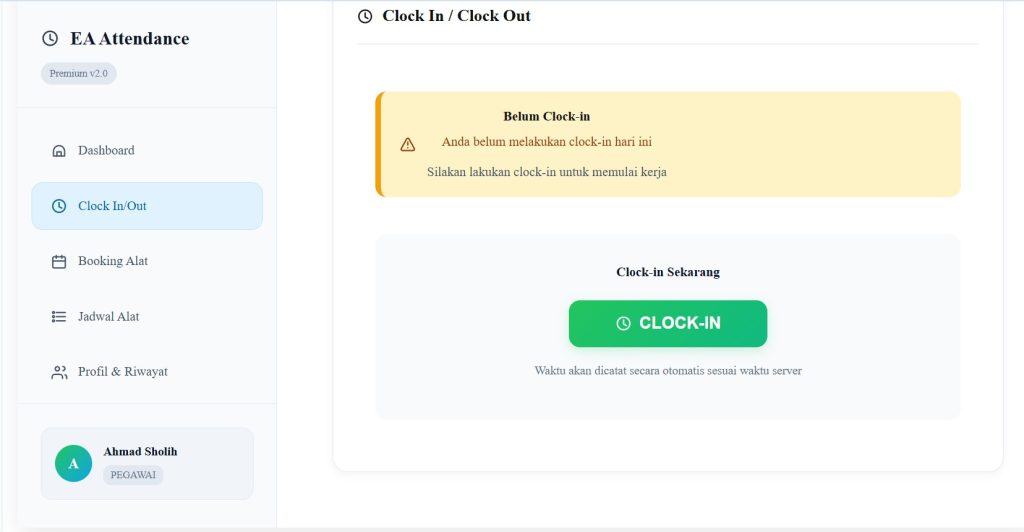
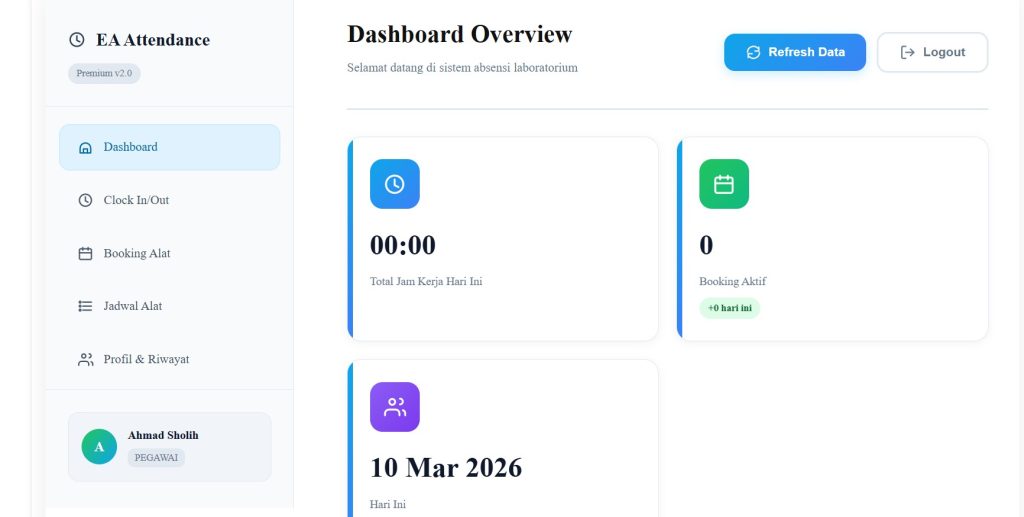
The system also maintains a complete attendance history, enabling both users and administrators to review previous records when needed. This approach minimizes the risk of manual recording errors and improves the reliability of attendance data.
2. Booking Equipment
The laboratory equipment reservation feature allows users to schedule the use of laboratory equipment through the system. Users can browse the available equipment, select a preferred date and time, and submit a reservation request directly through the application.
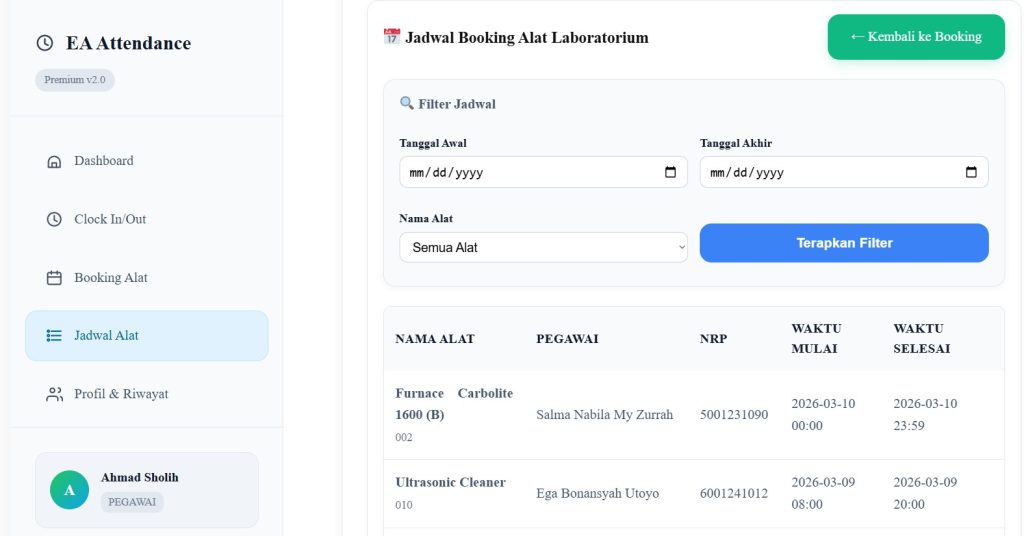
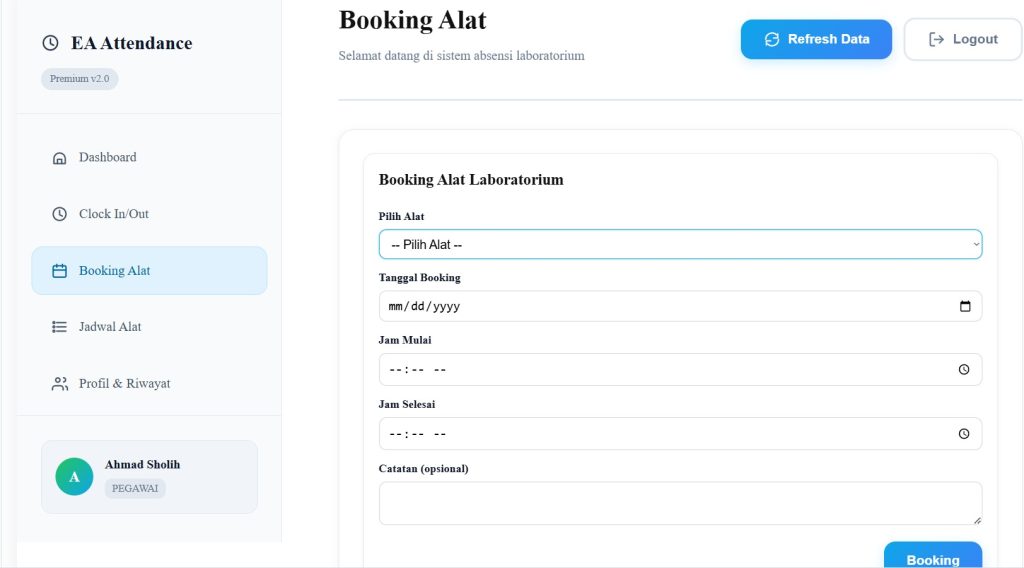
To ensure fair and organized usage, the system manages equipment schedules and prevents overlapping reservations. This helps optimize equipment utilization while reducing scheduling conflicts between users.
3. Overtime Request
The overtime request feature allows users to request permission to conduct laboratory activities outside regular working hours. To submit a request, users must provide relevant details such as the start time, end time, and a brief description of the planned activity.
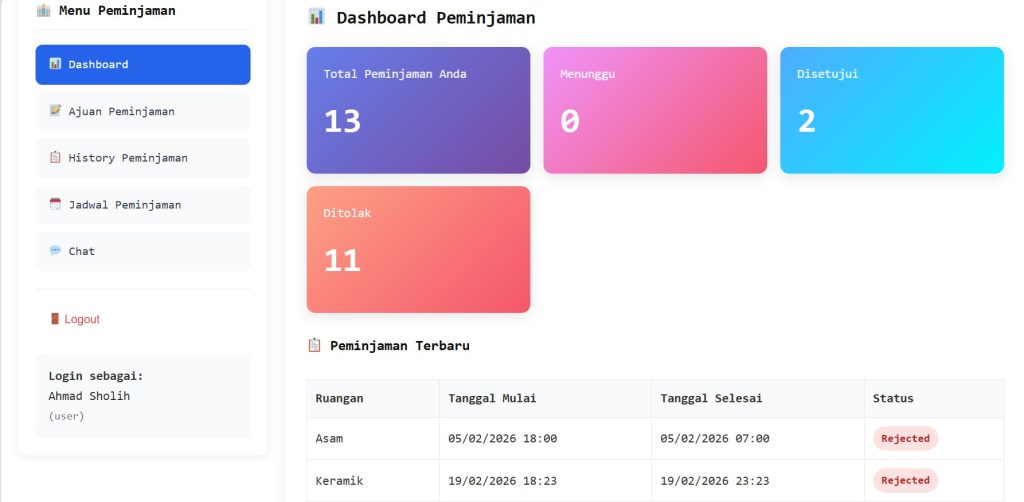
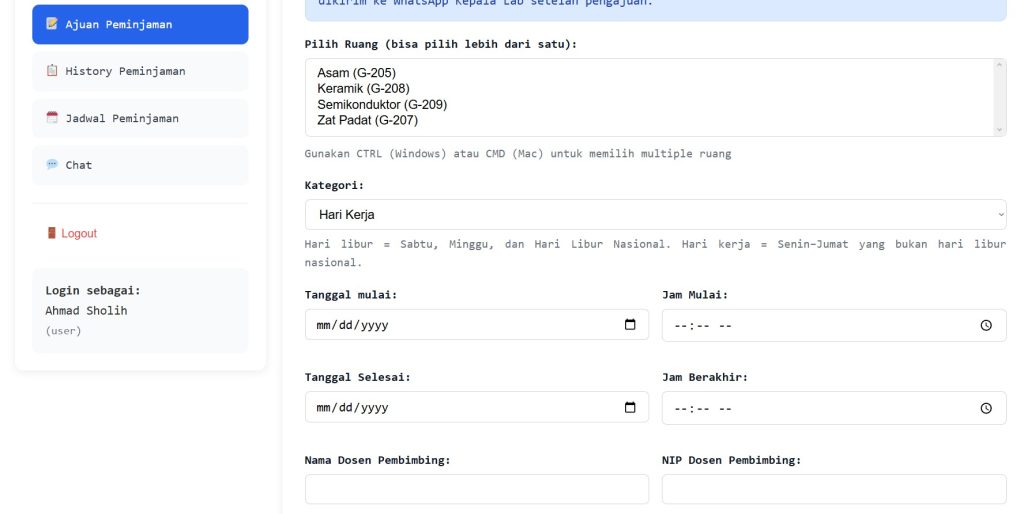
Once submitted, the request is reviewed by authorized personnel before approval is granted. This process ensures that overtime activities are properly documented and supervised, helping maintain accountability and proper laboratory usage.
4. Meeting Room Booking
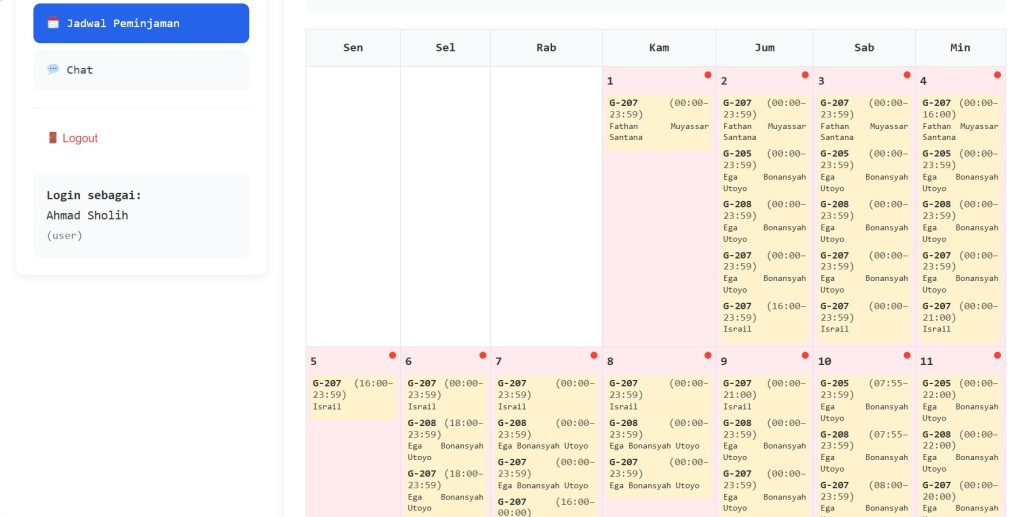
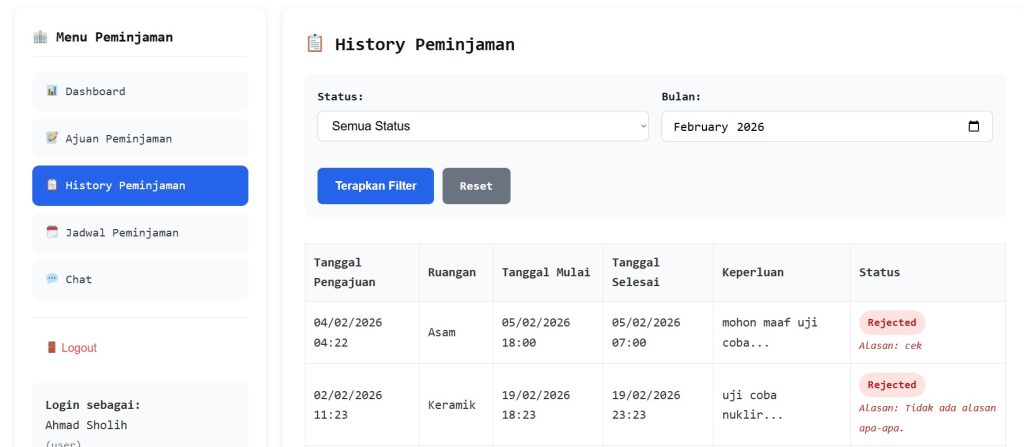
The meeting room booking feature allows users to reserve meeting rooms for discussions, academic meetings, or collaborative work. Through the system, users can select an available room, specify the desired date and time, and provide a description of the planned activity.
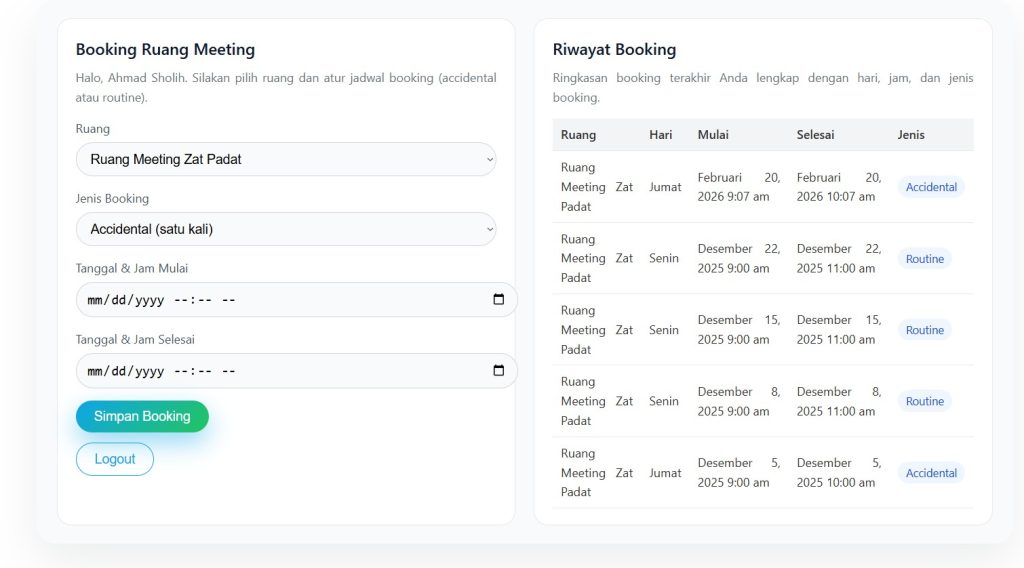
All reservations are recorded and managed by the system, ensuring that room usage is well organized and that scheduling conflicts are avoided. As a result, meeting facilities can be utilized more efficiently and transparently.